¶ 🚨 Troubleshooting Server Issues on Plex
Having trouble accessing your Plex server? Follow the steps below to diagnose and resolve common server issues.
¶ 🔍 If You Think Your Server is Down or Can't Access It on Plex.tv
¶ ✅ Step 1 – Check Your Movio Dashboard
- Log in at 👉 Movio Dashboard
- Check server status:
- Is it online? If not, click "Restart"
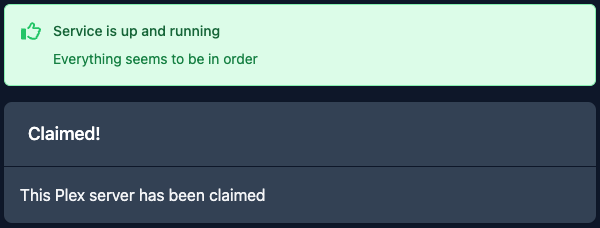
- Does it say "plex service running"? If not, restart it.
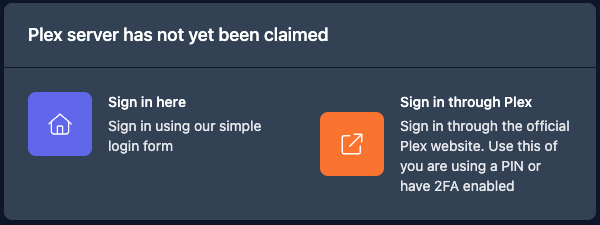
- Is it listed as an Unclaimed Server? Then you must claim it:
- Is it online? If not, click "Restart"
¶ 🔁 Step 2 – Reset and Rebuild (If Everything Looks Fine)
If your dashboard shows green lights but Plex still doesn't work:
- Click "Unclaim Plex Server"
- Then "Reset Plex Config"
- Select "Rebuild Plex Server"
- Wait 3–5 minutes
- Click "Claim Plex Server"
- Wait 5 more minutes
🕒 Be patient – allow the process to complete fully before refreshing or retrying.
¶ 🔄 Step 3 – Restart After Claiming
- Restart your server again after claiming it.
- Still having trouble? Follow this guide:
👉 Indirect/Insecure Connection Fix - Or open a Support Ticket
📷
¶ 🧷 Resolving Indirect or Insecure Connection Warnings
¶ ⚠️ If Your Plex Server Shows as Insecure
Sometimes a claim bug causes Plex to display a security warning:
¶ 🧰 Manual Fix (Advanced)
-
Go to 👉 Movio Dashboard
-
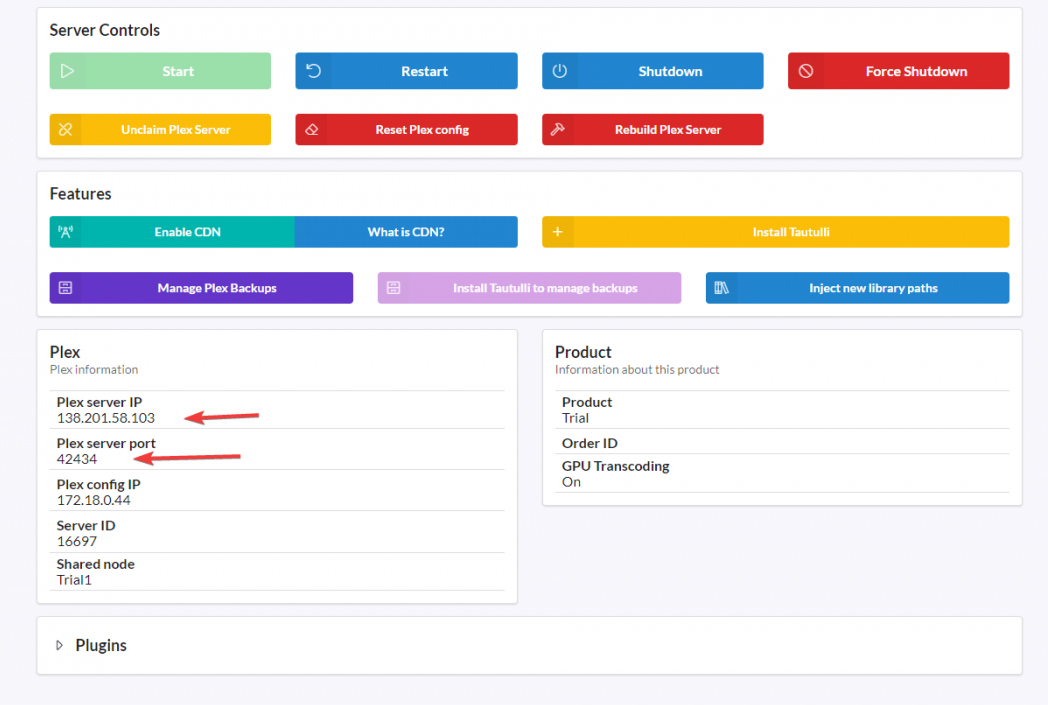
Find your Plex Server IP and Port
-
Open a browser and enter:
http://[IP_ADDRESS]:[PORT]
Example: http://123.456.789.101:32400
- Log in using the same Plex account as used in Movio
- Click "More" → then the Settings icon
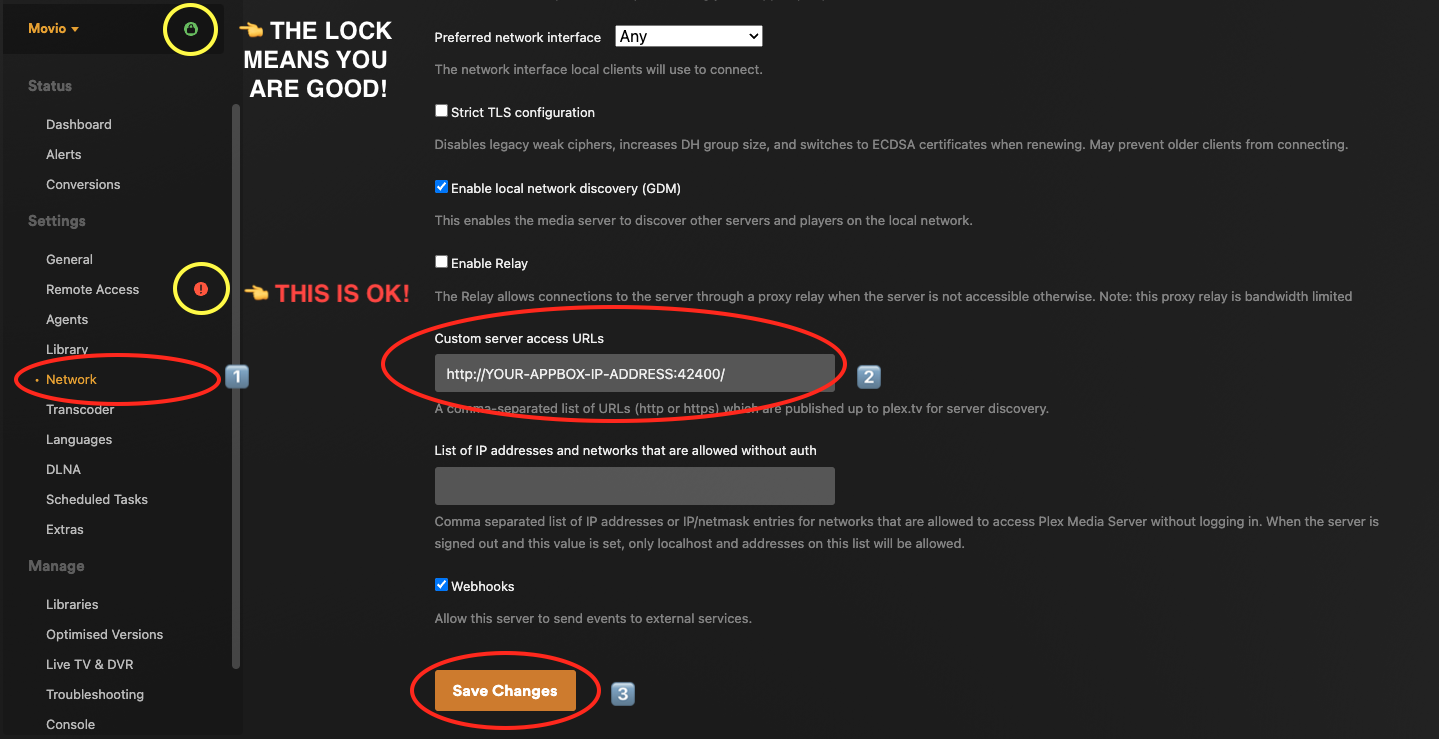
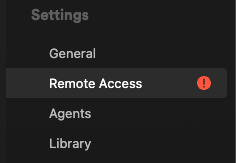
- Go to Remote Access
- Enable "Manually specify public port", insert your server’s port, and click "Retry"
- If available, click "Enable Remote Access"
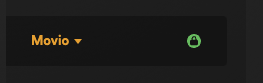
✅ If successful, the lock turns green
🔴 If Remote Access still shows red – don’t worry. This is expected when using proxy routing. It can be safely ignored.
📷
¶ 🖥️ Server Now Accessible
Your Plex server should now be fully operational and accessible via:
- Any Plex app
- 👉 https://plex.tv/desktop
Need more help? Reach out via your Movio Dashboard support section.